


Estimated reading time: 5 minutes
Navision, or rather Business Central 365 since version 2013, can directly import bank statements in the newer CAMT053 format. An extension like OP Plus is not necessary for this; it's directly supported by the standard. You can find the instructions here. Buuuuut… I strongly recommend using Continia (formerly OPPlus or OP+). You will not be very happy with the „in standard“ solution described here...
For all native Navision versions, such as 2009R2, 4.03, 5, and all the way back to 2.01, I can also provide you with a very clever MT940 or CAMT.053 import including automatic open item clearing Get it!
Setup
Ctrl+F3, DAT AUST
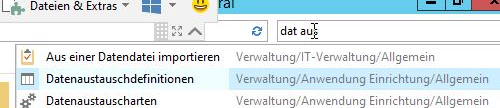
Create a new data record (CTRL+N) and make the following settings:

Next step: Set up bank export/import. CTRL+F3 ENTER BA

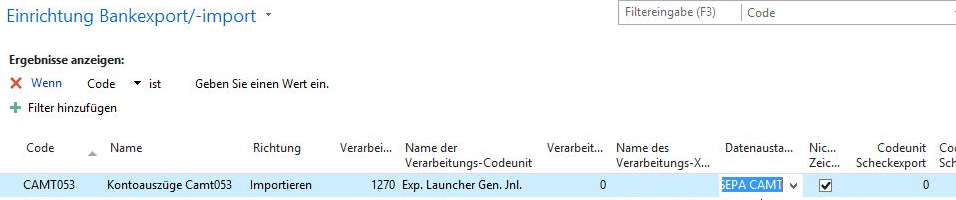
Set up the desired import bank account as follows:
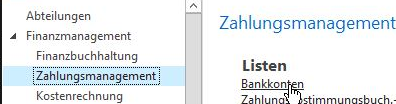
No. = a number for your bank account, e.g. the account number or an abbreviation.
Fill in name, bank code, bank account number.
Bank clearing standard: GermanBankleitzahl
Format bank statement import (under "Transfer"): CAMT053
SWIFT: Enter the BIC code of your bank here
IBAN: Enter the IBAN code of your bank account here
Importing and clearing account statements in Navision/Business Central
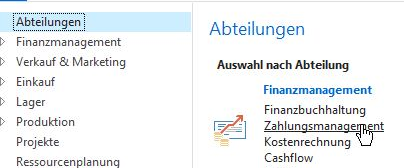
You can access payment management via "Departments"...
By the way: Are you interested in real receivables management?
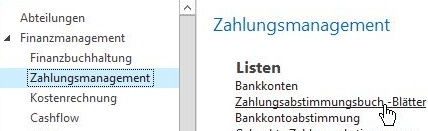
...from there into the payment reconciliation sheets...
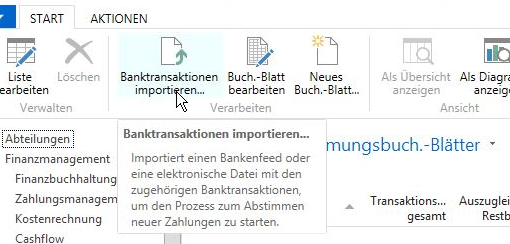
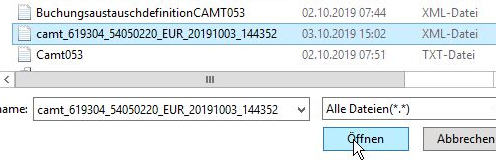
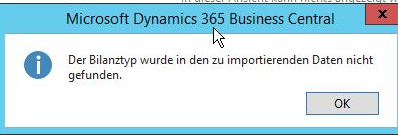
Depending on the bank, this message may appear. If so, simply confirm.
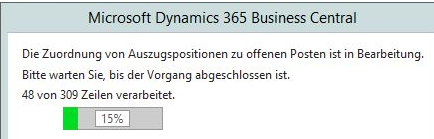
Navision & Business Central now reads the file:
Navision now tries to assign as much as possible automatically:
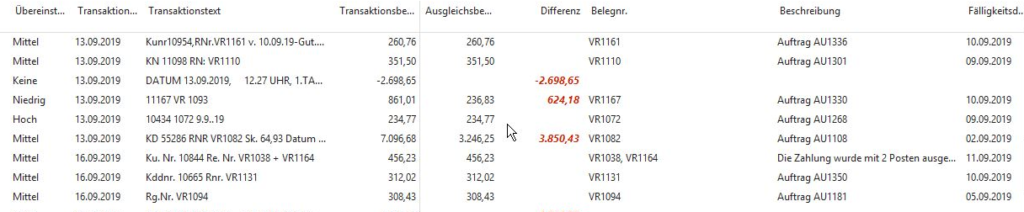
You can now allocate the missing bookings to a specific account via Manually, if necessary.
You can use "Show unassigned items" to filter the list for items that still require manual work.
If Navision could not assign the item, but the posting text actually allows this, you can help Navision via "Assign text to account" and save an assignment there. During the next import, Navision and Business Central can then directly suggest a sensible pre-assignment / clearing.
The complete account statement line can be displayed via Navigate/Bank transaction details.