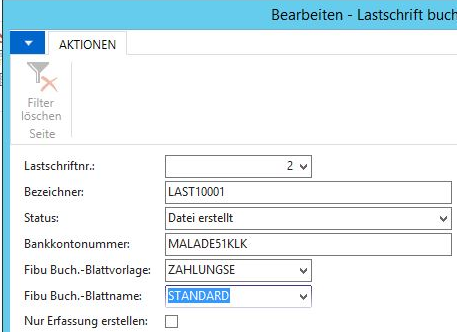


Estimated reading time: 5 minutes
Since Navision 2017, you can completely map customer direct debits in the standard version. You no longer absolutely need OP+ (OP Plus) or other custom solutions for this. However, I strongly recommend using Continia (formerly OP Plus), as the convenience is significantly higher.
Are you already using direct debits or creditor transfers, but your bank is no longer accepting your SEPA/Pain XML file? Please click here
Setup:
Please enter your bank accounts (your own, not those of your customers or suppliers) in Navision (or Business Central) here:
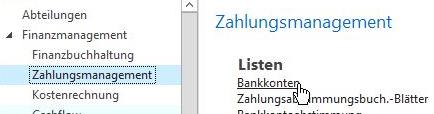
As usual, you can create new bank accounts with CTRL+N (New) and edit existing ones with Shift + CTRL + E (Edit).
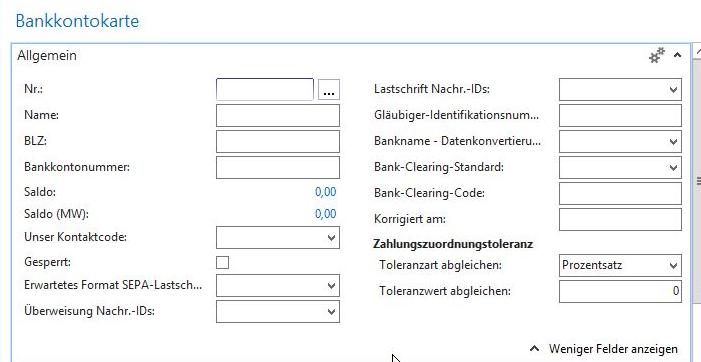
Please remember to enter your creditor ID for direct debits!
If you do not yet have a CreditorID, you can apply for one here: https://www.bundesbank.de/de/aufgaben/unbarer-zahlungsverkehr/sepa/glaeubiger-identifikationsnummer/glaeubiger-identifikationsnummer-642830?index=3#dossierItem
You can enter your single CreditorID for as many of your bank accounts as you like.
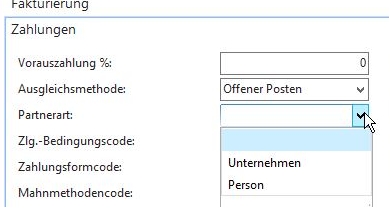
The partner type must be set correctly in the customer master data:
Please also remember to fill in the mandates correctly. Simply enter a very high value (e.g. 9999) in "Expected number of debit amounts".
Create direct debits

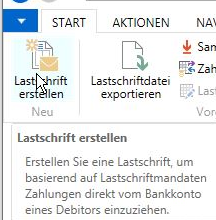
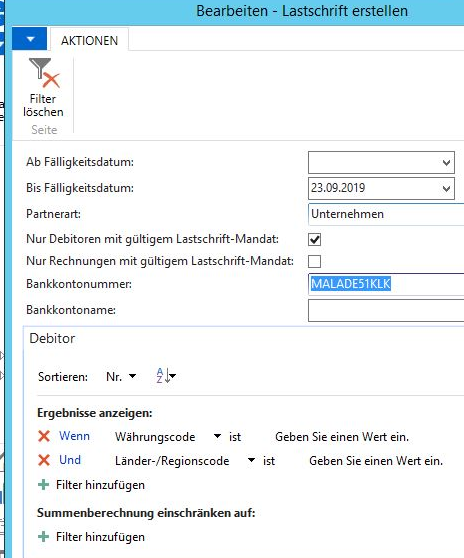
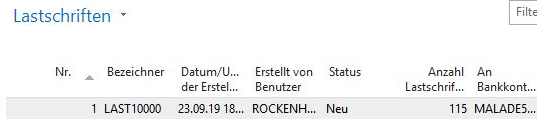
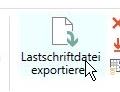
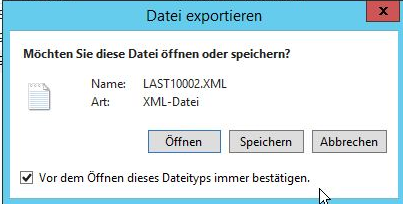
Post direct debit file
As soon as you have processed the direct debit file in the bank program, you still have to post it in Navision: