


KPIs, Key Performance Indicators, help you get a quick (!) overview of important company data. A glance at, for example, incoming orders or sales or coverage or inventory per day/week/month, broken down by the last 5 days/weeks/months, and compared to the same periods (Monday this week vs. Monday last week, this calendar week vs. the same calendar week last year, January this year versus January last year) reveals a lot about the health of your company at a glance—without a degree in business administration. It is important to distinguish between KPIs in Navision/BC365 and monitoring. KPIs reveal a trend, while monitoring warns of an acute imbalance.
Estimated reading time: 12 minutes
Difference monitoring and KPIs
KPIs, key performance indicators
Every hour, every day, a company generates a huge amount of data. Orders and quotes are recorded, employees work, take vacation, or call in sick, customers write reviews on Google, goods are received. Field staff or salespeople/representatives visit customers (and ideally bring back inquiries or even orders). Machines need power or break down. Store doors open, vending machines dispense coffee. The individual number of store door openings or customer drinks or sick notes is interesting, but not meaningful for the development of a company or business – although it may be for an actual status (-> monitoring). How many quotes were created this week, with what average coverage? The order value and coverage of the 10 best and 10 worst orders received this month, compared to the previous month and the same two months in the previous year and the year before that... These are figures that very quickly reveal a company's development when I compare them and observe their development.

With KPIs, it is not the development from one hour to the next that matters; the fluctuations are too great to make a business decision based on them. A change in traffic light phases or a new bus schedule can shift sales in a retail store by an hour or half a day—even though the bottom line has remained the same, or you may see a slight increase or a remarkable decline. KPIs (key performance indicators) generally only make sense when aggregated over days (rather than weeks or months, which are more the exception). They give us direction like a compass that guides us through the tides. KPIs very often come directly from your merchandise management system, in my example here, of course, from Navision Financials Dynamics Attain or Microsoft Business Central BC365. In most cases, you don't even have to make any additional effort to collect them; it's just that extracting them from the existing data can be a bit tedious or surprising.
Monitoring
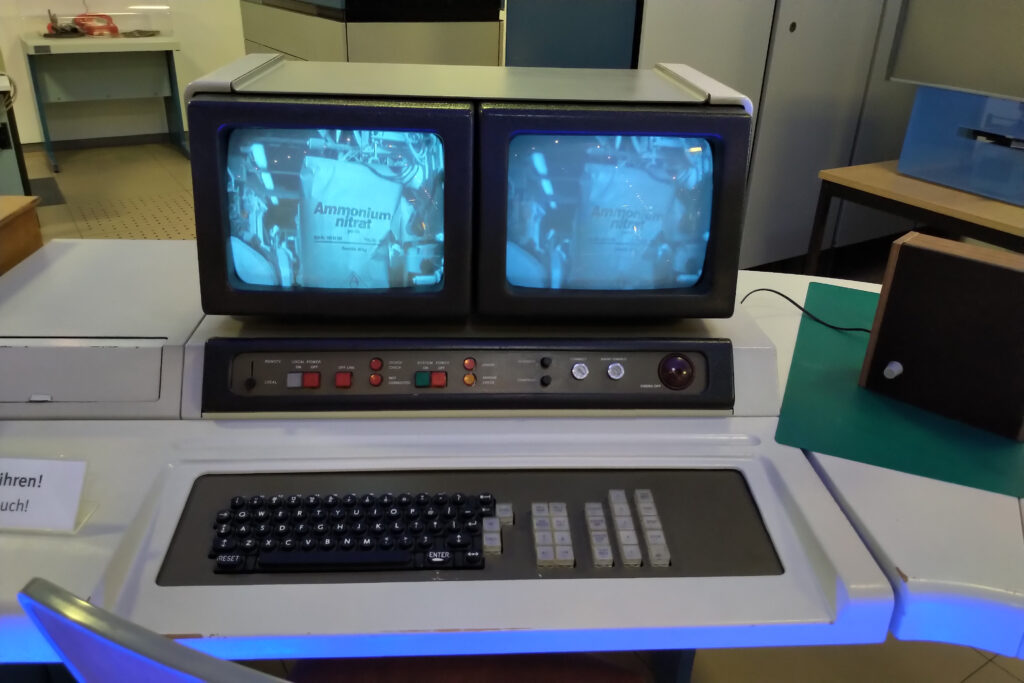
Monitoring refers to “actual figures.” Current free storage space on the Navision Financials Dynamics Attain or Microsoft Business Central BC365 SQL database server, number of logged-in users, incoming web shop orders in the last 30 minutes, door openings per entrance door in the last 5 minutes, number of incoming faxes in the last 60 minutes.
When monitoring, we want to be alerted quickly to acute imbalances, technical defects, and upcoming maintenance. For monitoring, it is irrelevant whether we received more faxes today than yesterday or last year. When monitoring, we want to know WHETHER we are receiving faxes, web orders, or calls! In a company with a high volume of incoming orders, bottlenecks in warehouse operations or order acceptance can quickly arise if a fax machine, telephone line, or web server fails. However, most employees will not pay any further attention to this. If it is the trainee's job to take the incoming order faxes (Germany is a digitalization desert...) out of the fax machines and then distribute them to the desks, this employee/trainee will rarely think about the fact that faxes have only arrived in 3 or 4 out of 5 fax machines. Most employees don't think much about their work, but simply do the work they have been assigned. Monitoring takes exactly this approach, monitoring individual devices, processes, and procedures.
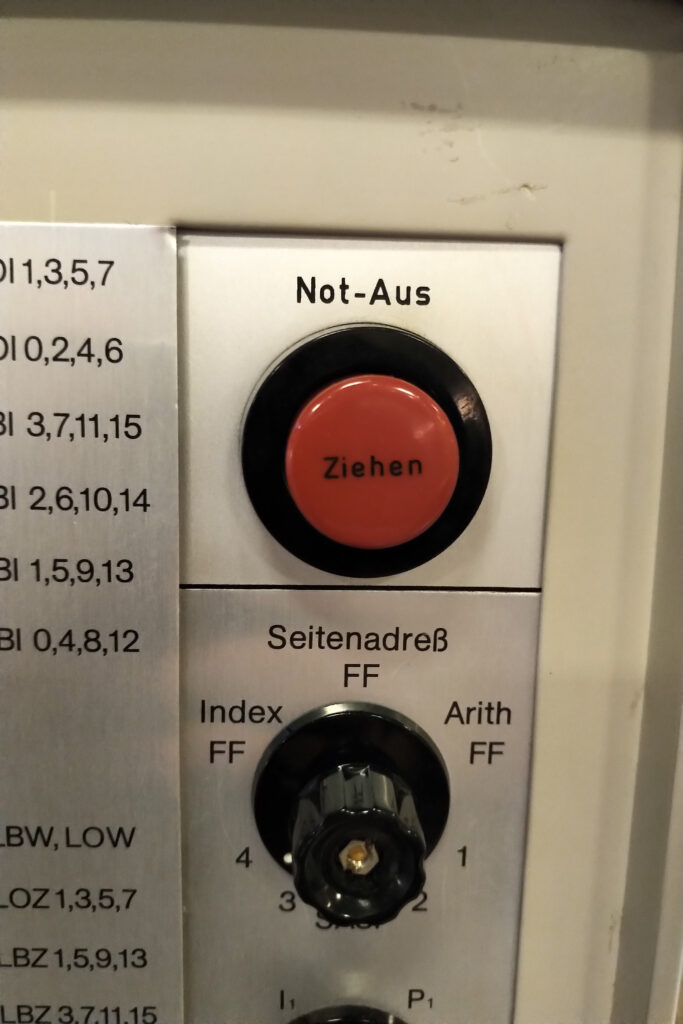
*You have 4 fax machines, but only one prints faxes.Out of paper? Telephone system malfunctioning? Power failure on individual devices? Plug? Cover?
*Do you have entrance doors to your store, but two of them haven't opened for five minutes during opening hours? Is the motion sensor broken? Are the doors not in automatic mode? Is the motor or door jammed?
*Your customers can register in your online store, but no new customer registrations have been received for an hour, even though you usually have 1-5 per hour? Perhaps a new software version/program change has been installed, and a previously undetected error is now preventing new customer registration?
*Your Navision Financials Dynamics Attain or Microsoft Business Central BC365 runs on a virtual machine as a service, while another server provides the native or SQL database... Do both devices still have sufficient hard disk space available? Does the virtual host still have enough hard disk space available, or is a snapshot running amok and stealing more and more storage space unnoticed until nothing works anymore?
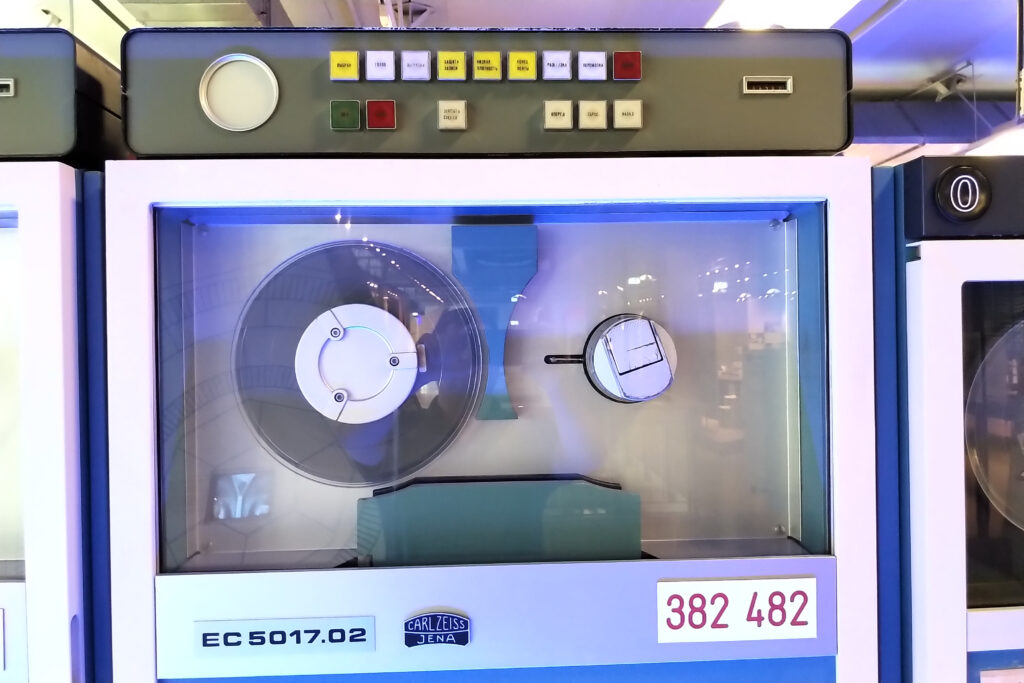
These are all examples of monitoring. Depending on the data source, you may even need to develop additional sensors or metrics (paper fax machines, entrance doors). However, much of this data can be determined at the touch of a button using analysis tools such as the Open Source Software Icinga, ManageEngine Site 24x7, Prometheus , and many others, even on large computers, PCs, and server farms with different operating systems. Add-ons can then be used to integrate data loggers, e.g., for entrance doors or fax machines, into server monitoring.
These monitoring solutions work with thresholds. For example, “one fax every five minutes” is just as good as “20 faxes every five minutes”... but zero faxes in five minutes means something is wrong. Together with tolerances and escalations, these systems trigger warnings immediately or promptly. No fax or web shop order in the last 5 minutes = bad, we show this in red on the monitor. No fax or web shop order in the last 10 minutes? Email to the office manager. No fax in the last 30 minutes? WhatsApp message to the IT manager. Hard disk space on the Navision Financials Dynamics Attain or Microsoft Business Central BC365 SQL database server falls below 500 Mb? Immediate SMS, WhatsApp, and email to the IT manager.
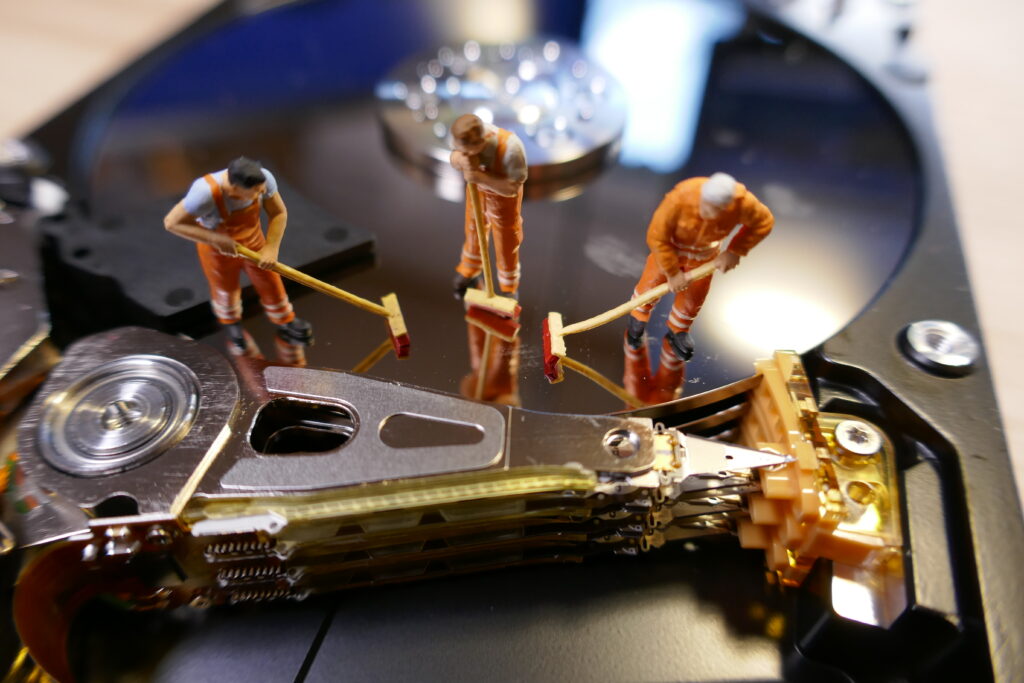
Summary KPIs vs. Monitoring
Monitoring solutions serve to quickly indicate an error condition and to remedy it, if possible before major damage occurs (server failure because hard drives are full).
KPIs serve to analyze and ensure long-term business success. KPIs visualize the levers of your business and highlight the areas where you need to take action.

Monitoring your computer and server environment
...is not (yet) the subject of this article. Some examples of monitoring solutions are listed above, but there are many more, such as Datadog. This is just a brief introduction to the topic. If you need assistance, please feel free to contact meand I can put you in touch with a reliable Icinga specialist, for example – or you can simply contact them directly here.I can support you with your project, but unlike Navision Financials or BC365, monitoring is not my forte. You can should not be everywhere at once. That's my opinion.
Recording and displaying KPIs (key performance indicators) in Navision Financials / Microsoft Business Central BC365
Navision, with its unbeatably easy-to-use report generator (I know... anyone familiar with RDLC can't imagine that...), tempted us to create a separate report for just one or a small handful of key performance indicators (KPIs). And every Friday after 4:20 p.m., the IT trainee would call up 20 reports, take screenshots of the most important parts and put them in an email, and then send the whole thing to the boss for the amusement of the rest of the IT department, who were already in a post-work mood... who then promptly called five minutes later and noticed that some number was wrong because the poor trainee had set the date filter incorrectly in one of the reports. In the meantime, however, the trainee had already started typing these numbers into an Excel sheet for a chronological overview... and then started all over again.
I know this so well because I was that trainee myself in 1993! Back then, however, the figures did not come from Navision, but were collected by telephone and on sticky notes from the departments, with a few figures coming from the Unix solution, which was already incredibly outdated at the time... Terrible! Fortunately, I then got to know Navision..
Recording KPIs
I learned from this back then: The big secret to good KPI figures is that they should be recorded “automatically.” Number of orders received per week, price per kg of raw materials purchased broken down by material, average turnover of the best/worst/all invoices per week: Navision Financials, Dynamics, Attain, or Microsoft Business Central BC365 can determine all of this from the figures that are recorded every day anyway! Not every figure can be processed as a KPI by Navision on its own... but then it often only takes a small adjustment, e.g., saving each order with its key figures upon release (or when printing, emailing...) in a separate order receipt table. The additional effort for employees is zero, while the additional information gained, which is now very easy to evaluate, is enormous in comparison.
Display of KPIs (Key Performance Indicators) in Navision / BC365
Yes, I admit it! I, too, used to enjoy writing reports back then. It was just so incredibly quick and easy to extract and combine various statistical metrics with just a few lines of code.
In a way, I have to be a little grateful to Microsoft for making Business Central’s RDLC report generator so incredibly complicated and poorly designed that creating reports is no longer any fun. And: Especially when it comes to key performance indicators (KPIs), it’s no longer necessary at all… it never was!
The chart of accounts and account structures have always been the most natural and straightforward place to store and present business analyses. Simply map the statistical metrics “below” in a separate number range, automatically calculate the key figures every day, and post them to this number range… done! The chart of accounts already displayed daily, weekly, monthly, and yearly totals, all with immediate drill-down to the daily values. Additional columns can then be added via the account schemes. The last 3 months compared to the same 3 months in the previous year, the last 3 years, plus a few percentage columns and percentage or divisor rows (employees present per day, number of orders per day -> number of orders per employee). All of this is already fully integrated into the chart of accounts! This way, you only need to focus on determining the KPIs; these are then posted to the separate account area via standardized posting functions and can thus be analyzed even years later— even if the underlying figures have long since been deleted..

Curious? Please email me or give me a call!
Over the next few months, I’ll be sharing some practical examples of useful, funny, or unusual KPIs here—just to whet your appetite, so to speak. Be sure to check back soon.