
We have put a lot of thought into making sure you have as little to worry about as possible. Tip: Just try out the app and you will see that you can get to grips with it straight away, even without any instructions, and place your first order in just a few seconds.
However, there are a few features that deserve extra mention. Therefore, here is a detailed guide that will help you introduce your employees and your customers to the app even more easily.
- Install App
The app has not been distributed via the app stores since 2024. The effort involved had simply become too great, I would have had to start charging maintenance fees... and I didn't like that 20 years ago, and I don't like it today either. - You can download the Android version here free of charge at any time and test it as you wish!
https://drive.google.com/drive/folders/1BbwGjgO1XctB2eSFHeBaPBRJOUbbhbMK?usp=sharing
This is the only legal source for the order replacement app documented here! It has NOT been distributed via the Amazon, Apple & Android app stores since 2025!
Contact us! - I no longer offer an Apple version, see first point. Here, too, the effort was simply far too great. You can still get the Apple / iOS version from me for testing (if you like, also for productive operation), but with the three-version we have stopped further development for Apple. It was also simply too expensive to use in practice. The devices sometimes fall down, sometimes bump into something, a screen is quickly broken. With Android, you simply buy the next device for 150 quid and you're done. It's simply more efficient.
The app is generally free of charge, the one-off license costs are only payable by the data provider (retailer)! The order set demo version has no restrictions, you can use it to try out everything, even in your own business / with your own data. - Basic app setup
When you start the app for the first time, you can choose between demo mode and QR code. Please select QR code and scan the QR code provided by your dealer. The app will then be set up with your data. To familiarize yourself with the app, you are of course welcome to use demo mode, which contains all the functions, texts, and options of the app with demo data. - Internet connection
The app only needs an Internet connection to update the master data and send the order(s). Otherwise, it runs completely autonomously and without a cellular connection or Wi-Fi, i.e. even in the deepest wine cellar, in cold storage or on the alpine pasture. Orders can also be collected and sent at the next Internet connection or from the next Wi-Fi hotspot. 
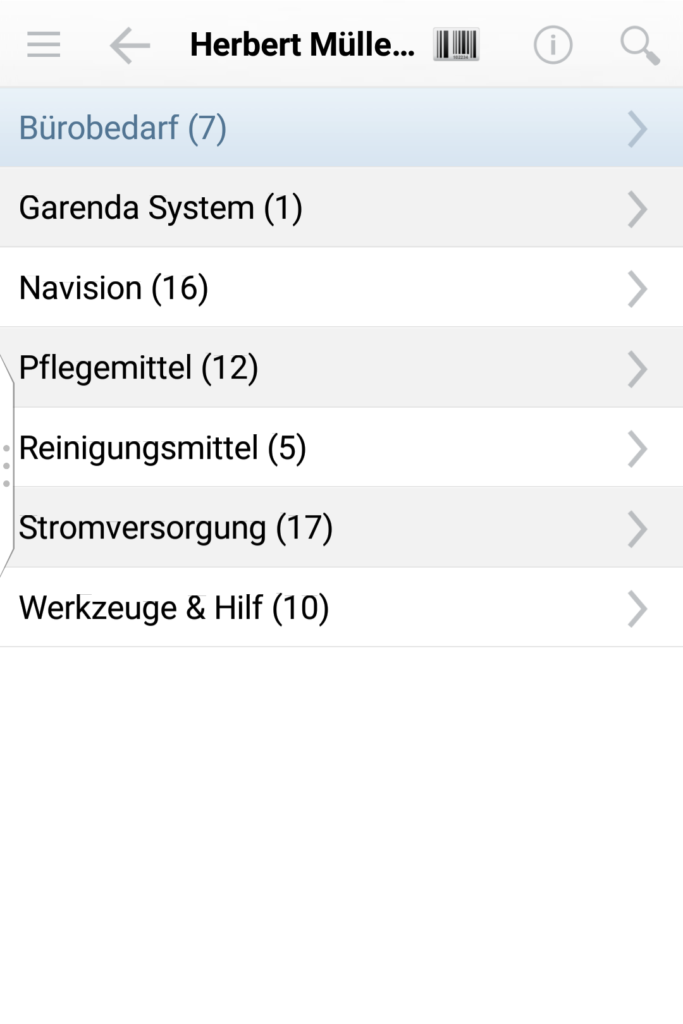
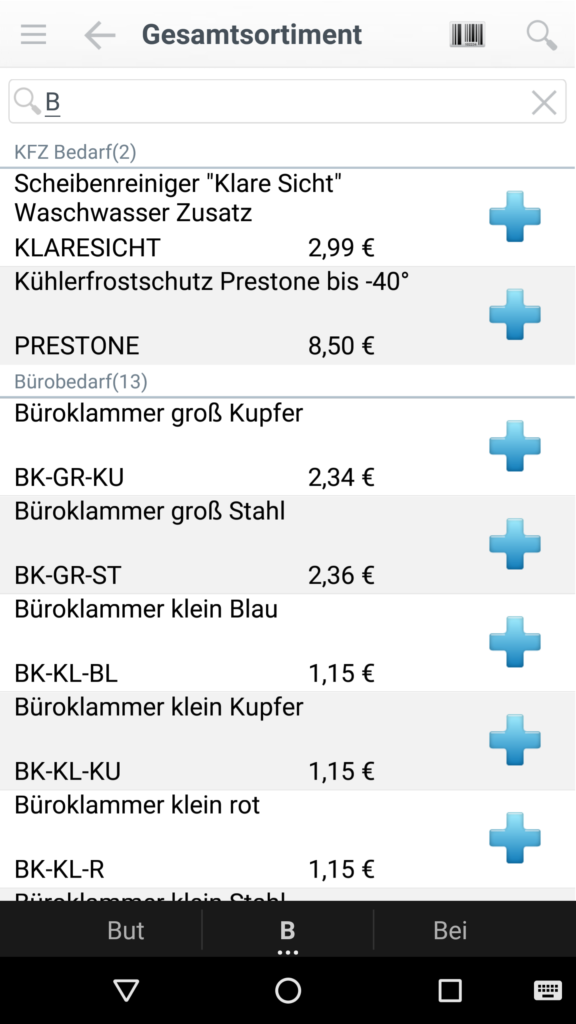
The magnifying glass icon at the top right is used to search in the current list (search for customers, search for articles). It is also possible to search for up to three search parts, so deep print searches for all articles that contain the search term deep and the search term print . You can also switch between group and list view:
This page is still being expanded. However, you can already find the comprehensive instructions here as a Word document: